Corporate Cards
Trusted by CATEGORY LEADERS











Unlimited Corporate Cards
Issue cards instantly — physical or virtual, for any purpose
Create unlimited corporate cards under one company KYC. Whether it's reimbursements, travel, admin expenses, or employee benefits — issue dedicated cards for each use case and control them all from a single dashboard.
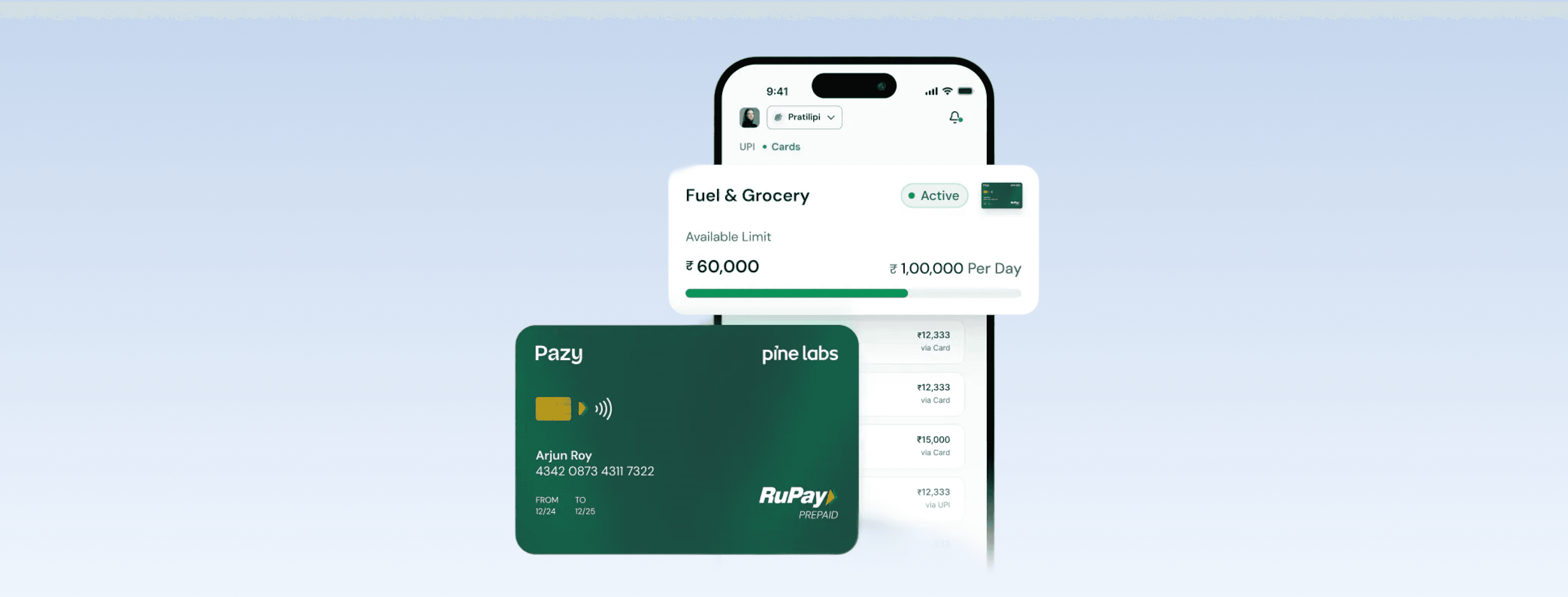
Physical & Virtual Cards
Issue physical cards for on-ground teams or virtual cards for online purchases. All cards are created instantly with no paperwork or delays.
Employee Lifecycle Control
When an employee leaves, block or disable their cards (physical or virtual) instantly. No loose ends, no unauthorized spend.

Custom Spend Limits & Rules
Define rules once. Enforce them automatically, every time.
Set spend limits, add your company's policies, and control usage down to the merchant level. Block or allow specific outlet types using official government-assigned MCC codes — so out-of-policy spend never happens.
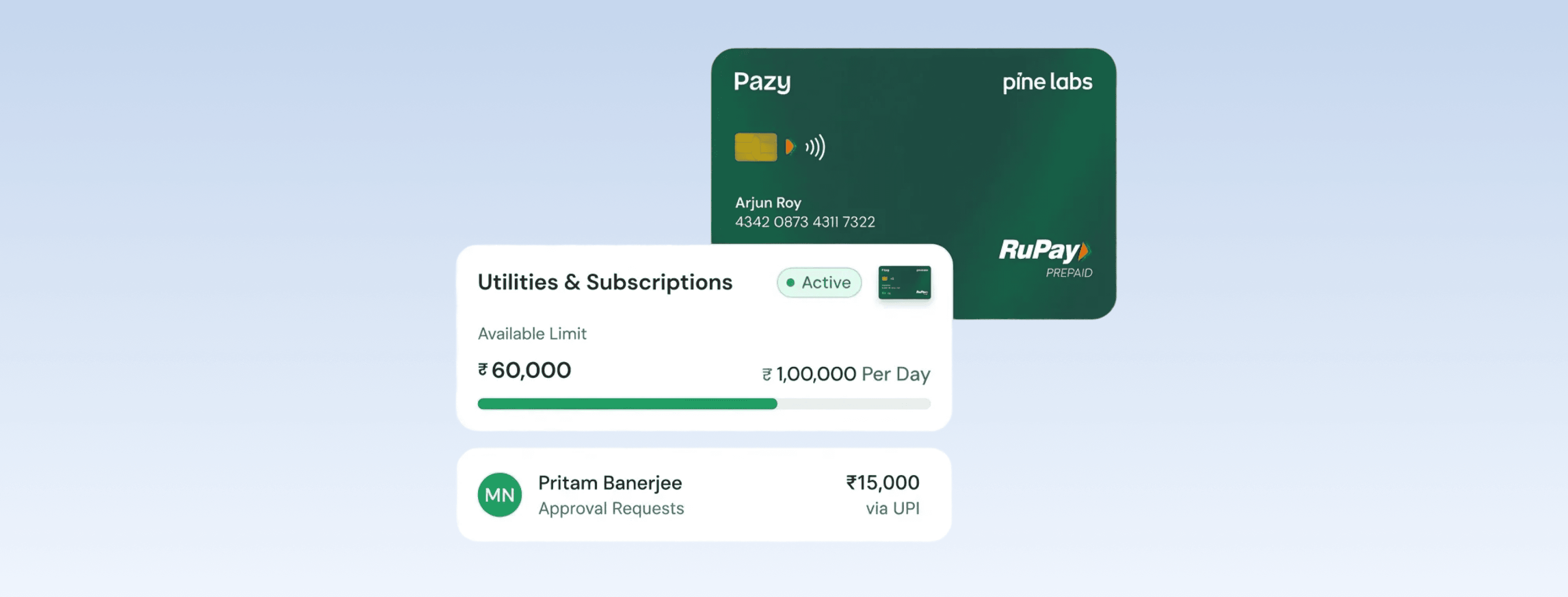
Custom Spend Limits & Rules
Define spending limits per card, per day, per transaction, or per category. Add your company's expense policies and let Pazy enforce them automatically.
MCC-Level Control
Block specific merchant categories like liquor shops, entertainment venues, or personal shopping sites using official Merchant Category Codes (MCC).
"Set spend limits, add your company's policies, and control usage down to the merchant level. Block or allow specific outlet types using official government-assigned MCC codes — so out-of-policy spend never happens."

Habib Raheman
CFO, Atmos Lifestyle
100%
Smart Funding
One master account. Zero manual top-ups.
Stop juggling balances across dozens of cards. Maintain a single master account and let Pazy automatically route funds to cards based on their limits and rules. Pay vendors, utilities, and even BBPS portals directly.
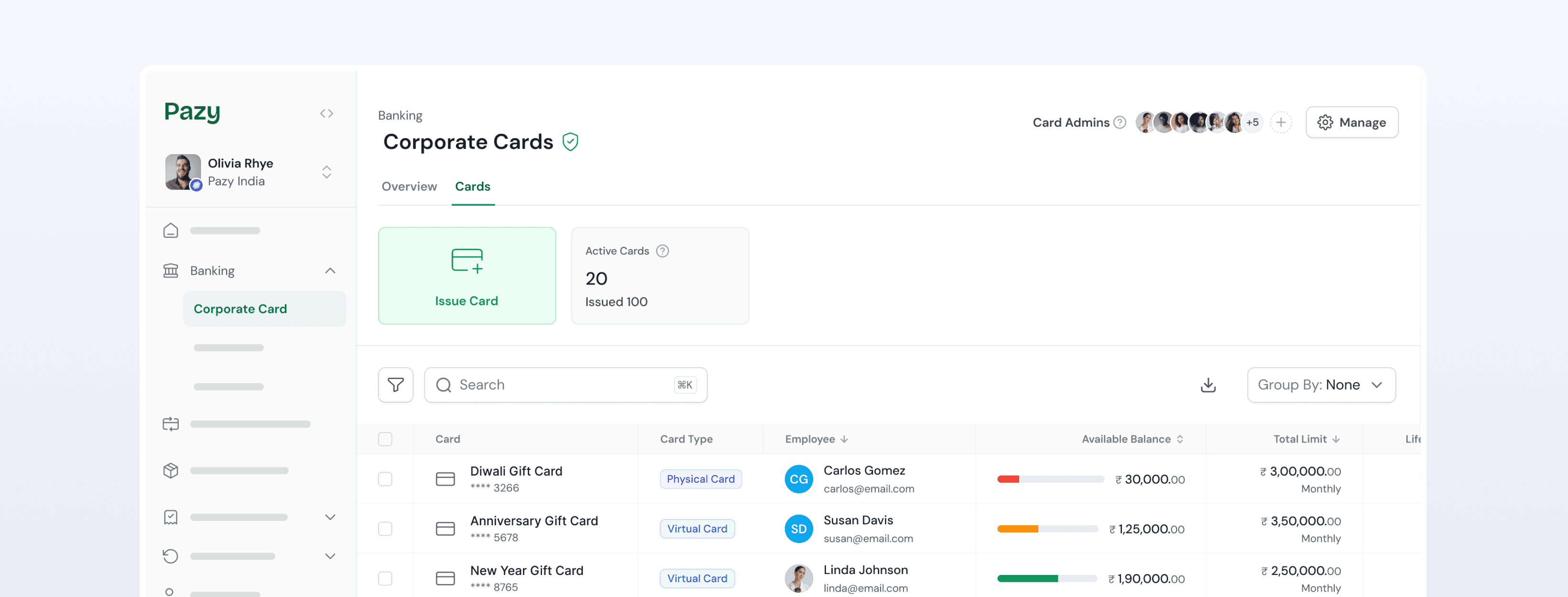
Centralised Funds Management
Keep all your money in one master company account. Pazy intelligently routes funds to individual cards based on their spending rules — no manual intervention needed.
Pay Anywhere, Including BBPS
Use Pazy cards to make BBPS payments directly on government and utility portals. One card for everything — vendors, subscriptions, utilities, and more.

AI-POWERED COMPLIANCE
Every transaction reviewed. Every receipt collected. Automatically.
Pazy's AI agent reviews every transaction in real-time to flag policy violations or unusual activity. Employees must upload receipts after each swipe — miss one, and the card softly locks until they comply. All data syncs to your ERP in one click.
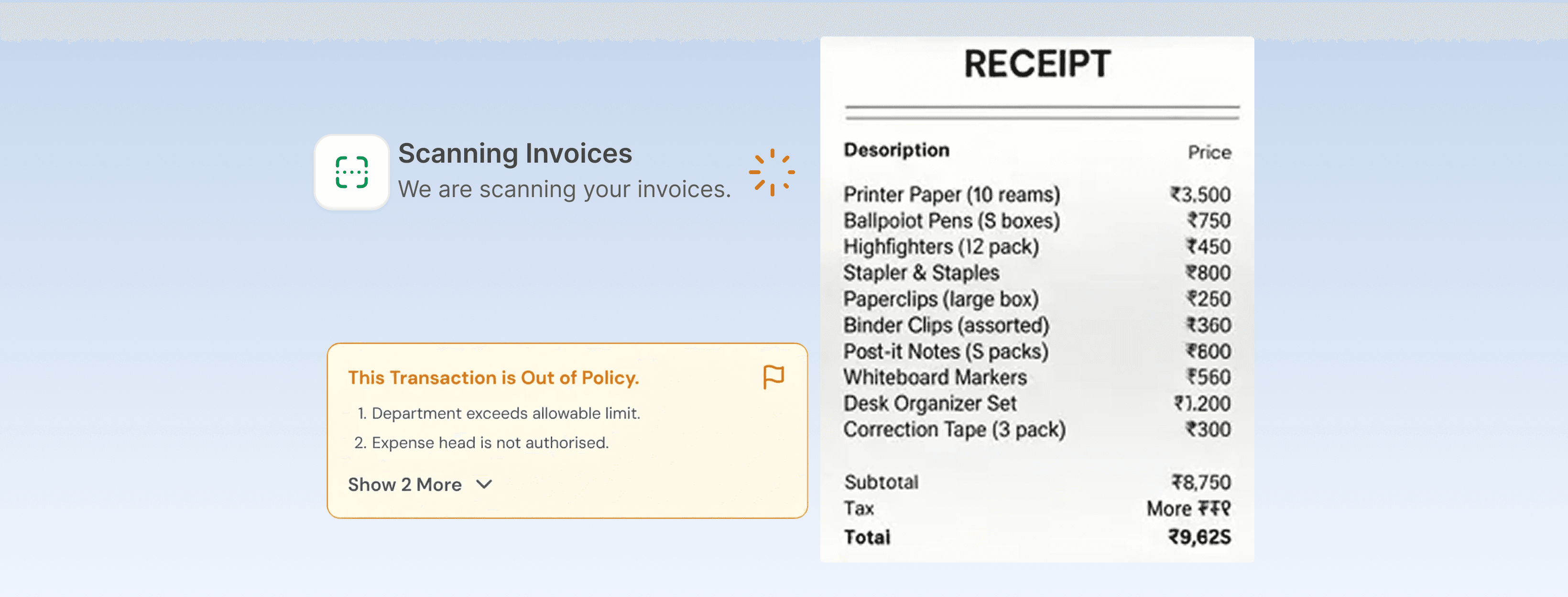
AI-Powered Oversight
Every transaction is reviewed in real-time by Pazy's AI to flag out-of-policy spending, duplicate charges, or unusual activity before it becomes a problem.
Mandatory Receipt Upload
No more chasing receipts. Employees upload them after every swipe, or the card locks automatically until they do. Compliance happens by design.
"Petty cash / card transactions are high volume, low value transactions. Which takes away lot of time for policy check, accounting entry and delays book closing. With Pazy it's swipes and clicks, that's it."

Anant Jain
Partner, JARS CA
70%
Less time wasted reviewing reciepts
FAQ
Is Pazy card free to use?
Yes. Pazy charges a one-time setup fee — no recurring costs, no hidden charges.
Can I block certain types of spend?
Yes. You can set rules to block categories (like liquor shops), put limits on spending, and control usage at the employee or card level.
How many Pazy cards can I issue?
As many as you need. There's no limit — create cards for reimbursements, benefits, office admin, or travel.
Do I need to top up every Pazy card separately?
No. All funds stay in one master company account. Pazy automatically routes money to cards based on their rules.
What happens if an employee forgets to upload receipts?
Their card will softly lock until they upload the pending receipts. This way, compliance is automatic.
How does the AI check transactions?
Every transaction is reviewed in real-time to flag out-of-policy or unusual spend.
Can I integrate Pazy card with my ERP or accounting system?
Yes. All transactions can be synced into your ERP with a single click.